Devices Compatible with Einthusan
Einthusan is a streaming website that provides Indian movies, including Hindi films. It offers old and new titles in different categories. Users can stream movies directly in a web browser without installing special software.
Einthusan works best on devices that support modern web browsers. It does not require a dedicated mobile app. As long as your device can open a browser and connect to the internet, you can use it.
Specifically, Einthusan supports devices like:
1. Mobile Phones (Android and iPhone): You can open Einthusan using Google Chrome, Safari, or other browsers. This is the easiest and most direct way to watch movies.
2. Laptops and Desktop Computers (Windows and macOS): You can visit the website through Chrome, Edge, Safari, or Firefox. This method provides a larger screen and stable playback.
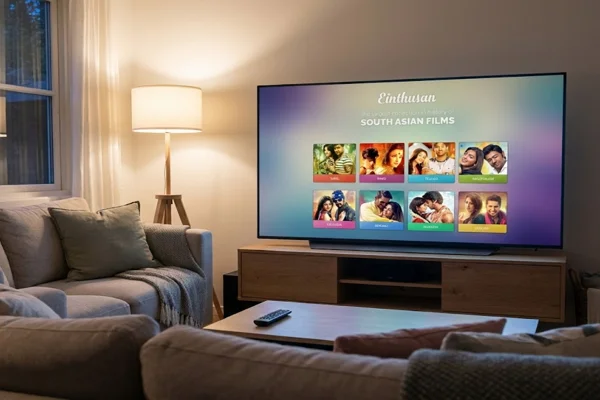
3. Smart TVs: You can watch Einthusan on Apple TV, Google TV, and Samsung Smart TVs. Some TVs allow direct browser access. Others may need DNS settings or casting from another device.
How to Watch Einthusan Hindi Movies on Your Phone/Laptop
Watching on a phone or laptop is the simplest method. You only need a browser and a stable internet connection.
Step 1. Tap Einthusan.com in the Browser Search Bar
Open your browser. Type Einthusan.com into the address bar. Press Enter. If the site loads, you can continue to the next step. If not, you may see a message that the website is blocked.
Step 2. Unblock Einthusan if You Can't Access the Site
In some countries, internet providers block access to streaming websites. If Einthusan does not open, you can try one of the following methods:
Method 1: Use a Reliable VPN
A VPN changes your IP address and encrypts your internet traffic. This helps you access websites that may be restricted in your region. It also hides your browsing activity from your local internet provider.
When choosing a VPN, consider one that:
- Offers stable connection speed
- Has servers in multiple countries
- Supports mobile and desktop devices
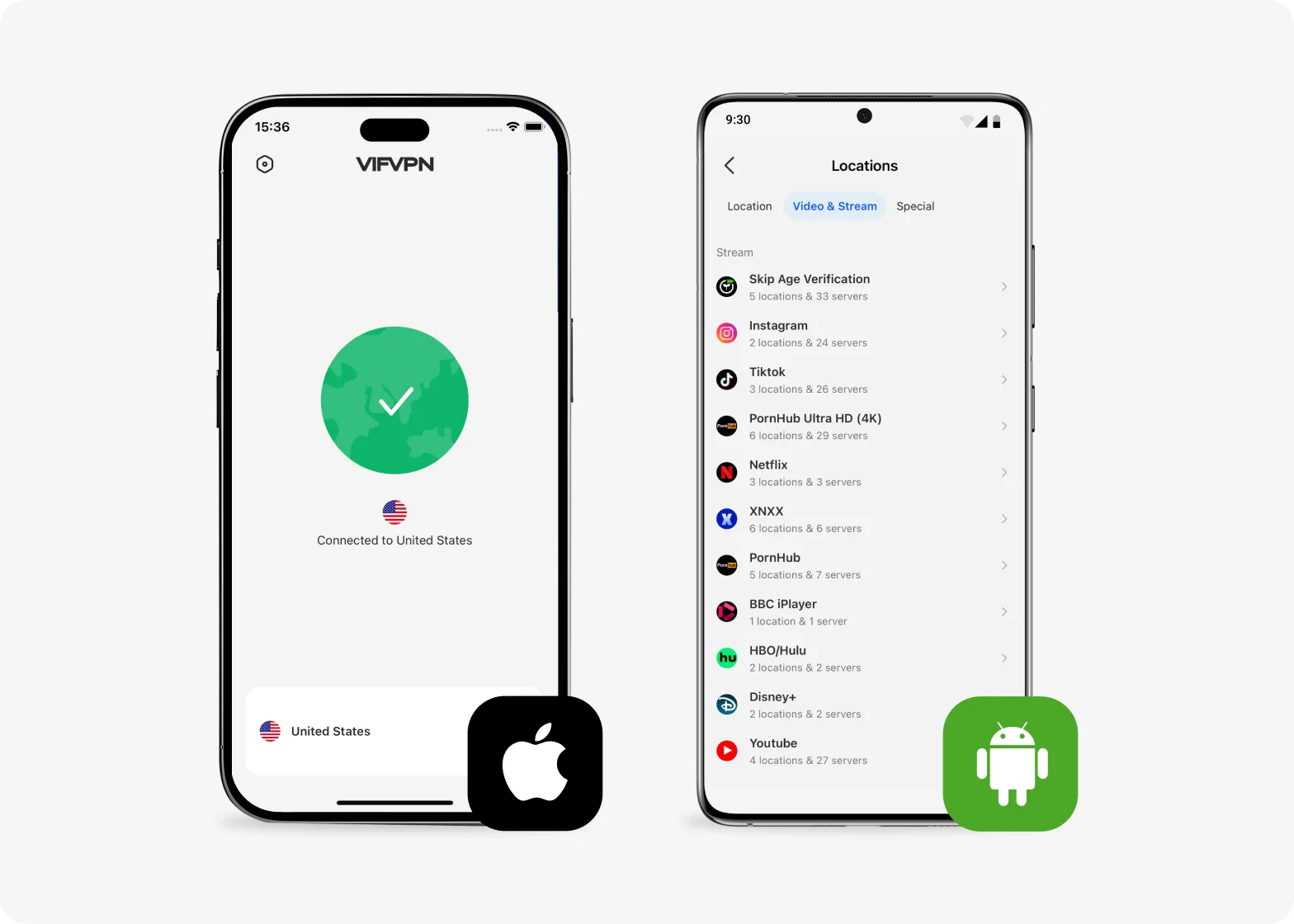
One option is VIF VPN. It provides:
- Servers in several regions
- Apps for Android, iOS, Windows, and macOS
- Simple setup process
You can download and install this tool with the quick steps below:
Download VIF VPN for Your Device
Visit the official VIF VPN website and download this free VPN app for your device. The download is completely free and doesn’t require any payment details.
Install and Open the App
Follow the on-screen instructions to install VIF VPN. Once installed, open the app — you can start using it right away without entering a credit card or committing to a paid plan.
Connect and Browse Securely
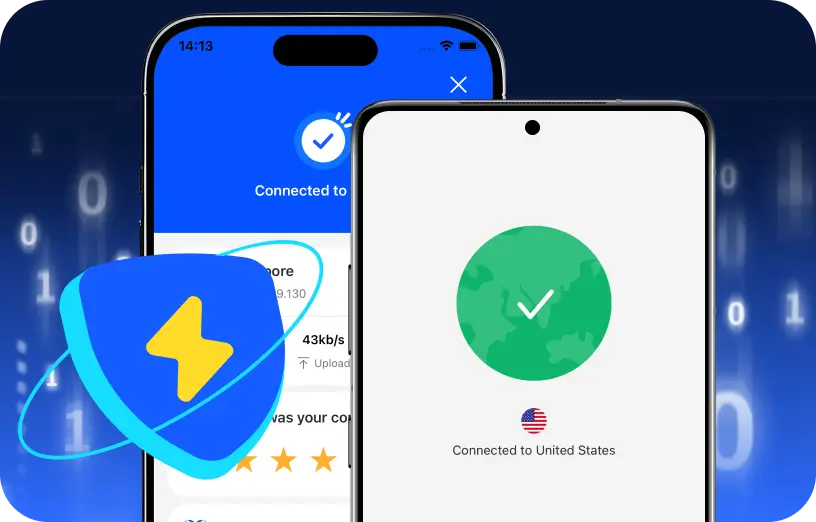
Tap “Connect” to enable the VPN. VIF VPN will automatically select a server, allowing you to browse with improved privacy and access restricted content instantly.
Method 2: Change DNS Settings
You can switch your device DNS to a public DNS such as Google DNS (8.8.8.8 and 8.8.4.4). This sometimes helps bypass basic ISP blocking.
Go to your network settings. Replace the default DNS with the new numbers. Save the settings and reconnect to the internet.
Method 3: Use a Different Network
If you are on school, office, or public Wi-Fi, the network may block streaming sites. Try switching to mobile data or another Wi-Fi network.
Step 3. Einthusan Login
You can watch some movies without an account. However, creating an account allows you to:
- Save favorite movies
- Resume playback
- Access more streaming options
Click on the “Login” or “Register” button. Enter your email address and create a password. Confirm your email if required.
After logging in, your account dashboard will appear.
Step 4. Choose Language and Browse Hindi Movies
At the top of the homepage, select "Hindi" from the language options. You will see movie thumbnails. Then you can:
- Scroll to browse
- Use the search bar to find a specific title
- Sort by release year
After all these steps above, click on a movie poster to open the detail page.
Step 5. Start Streaming and Adjust Settings
Click the "Watch" button. The video player will load. You can adjust some key settings, including:
- Change video quality if the option is available
- Enable subtitles if provided
- Switch to full-screen mode
If the video buffers, pause for a few seconds to allow loading. Make sure your internet speed is stable.
How to Watch Einthusan Hindi Movies on TVs
Watching movies on a big TV screen is much better for a family movie night. While Samsung, Apple, and Google TVs do not have an Einthusan app, you can use the built-in browser. We will use a Samsung Smart TV as our main example, but the steps are very similar for other brands.
Step 1. Check for Web Streaming Support
First, make sure your TV is connected to your home Wi-Fi. Take your remote and press the Home button. Look for an icon that says Internet or Web Browser. Open it.
Try to go to a simple website like Google to see if it works. If the browser opens and loads pages, you can watch Einthusan.
Step 2. Unblock Einthusan on TV via DNS Settings
If the site is blocked on your TV, you cannot easily install a VPN app as you do on a phone. Instead, you must change the DNS Settings. DNS is like a phone book for the internet. Changing it can help you get past blocks.
Follow these steps on your Samsung TV:
-
Press Settings on your remote.
-
Go to General and then select Network.
-
Choose Network Status.
-
Wait for the check to finish, then select IP Settings.
-
Go to DNS Setting and choose Enter Manually.
-
Type in a public DNS like 8.8.8.8 or one provided by your VPN service.
-
Press OK and restart your TV.
Step 3. Open the TV Browser and Type the URL
Open the Web Browser app again. Use the remote to type "einthusan.tv" in the address bar. This can be slow with a remote, so take your time. Once the site loads, select the Hindi section. The TV screen is large, so the movie posters will look big and easy to see.
Step 4. Navigate Using the Remote Cursor
Most smart TVs show a small arrow on the screen that you move with the arrow keys on your remote. Move the arrow to the movie you want to watch. Click the middle button on your remote to select it. If a pop-up ad appears, look for a small "X" to close it. This is why many people prefer the Premium version, as using a remote to close ads is difficult.
Step 5. Sync Your Account and Start Playback
Go to the login area on the TV browser. Type your details to sign in. This ensures that if you paid for the ad-free version, it works on your TV. Once logged in, click the Play button. You might need to click a "Full Screen" icon at the bottom of the video player to make the movie fill the whole TV screen.


Bonus Guide: Cast Einthusan to TV from a Phone or Laptop
If your TV browser does not work well, casting is a good option. Casting mirrors your phone or laptop screen to your TV.
🤖 For Android Phone
- Connect your phone and TV to the same Wi-Fi network.
- Open Einthusan in Chrome.
- Tap the three-dot menu.
- Select “Cast.”
- Choose your TV from the list.
The movie will appear on your TV screen.
🍎 For iPhone
- Connect the iPhone and Apple TV to the same Wi-Fi.
- Open Control Center.
- Tap “Screen Mirroring.”
- Select Apple TV.
- Open Einthusan in Safari and play the movie.
💻 For Laptop
- Open the Chrome browser.
- Click the three-dot menu.
- Select “Cast.”
- Choose your TV device.
- Play the movie.
Common Problems of Watching Einthusan & Fix
When watching online movies, users may face technical issues. Below is a simple table with common problems and solutions.
| Problem | Possible Cause | Solution |
|---|---|---|
| Website not opening | ISP blocking | Use VPN or change DNS |
| Video buffering | Slow internet | Reduce video quality or switch network |
| No sound | TV audio settings | Check volume and speaker connection |
| Login failed | Wrong password | Reset password via email |
| Video not loading on TV | Browser limitation | Use the casting method |
If problems continue, try clearing the browser cache or restarting the device.
Conclusion
Watching your favorite Hindi movies on Einthusan is easy once you know the steps. You can use your phone for a quick watch or set up your Smart TV for a better experience.
If you find the site is blocked, remember that a tool like VIF VPN can help you get back to your movies in seconds. Always check your internet connection and keep your browser updated to avoid any errors. Now, pick a movie, grab some snacks, and enjoy the show.
FAQs
Is there an official Einthusan app for Android or iOS?
No, there is no official app. You must use a web browser like Chrome or Safari on your phone to visit the website. Do not download apps that claim to be Einthusan, as they might be fake.
Why is Einthusan not working in India?
The site is often blocked by internet providers in India because of licensing issues. You can use a VPN like VIF VPN to access the site if you are traveling or living in a region where it is restricted.
Do I have to pay to use Einthusan?
No, you can watch movies for free with ads. However, they offer a Premium plan for a one-time fee. This plan removes ads and lets you watch movies in the highest quality.
Can I download movies from Einthusan to watch later?
The website is mainly for streaming. Some Premium members might see options for offline viewing, but for most users, you need an active internet connection to watch.
Does Einthusan have movies in other languages?
Yes, while this guide focuses on Hindi movies, the site also has large sections for Tamil, Telugu, Malayalam, Kannada, Bengali, and even Chinese movies.