![[Full Guide] Where & How to Watch 2026 FIFA World Cup Replay?](https://static.vifvpn.com/cms/prod/f_1784111548_7538.webp)
Before We Watch: What to Prepare for the Replay?
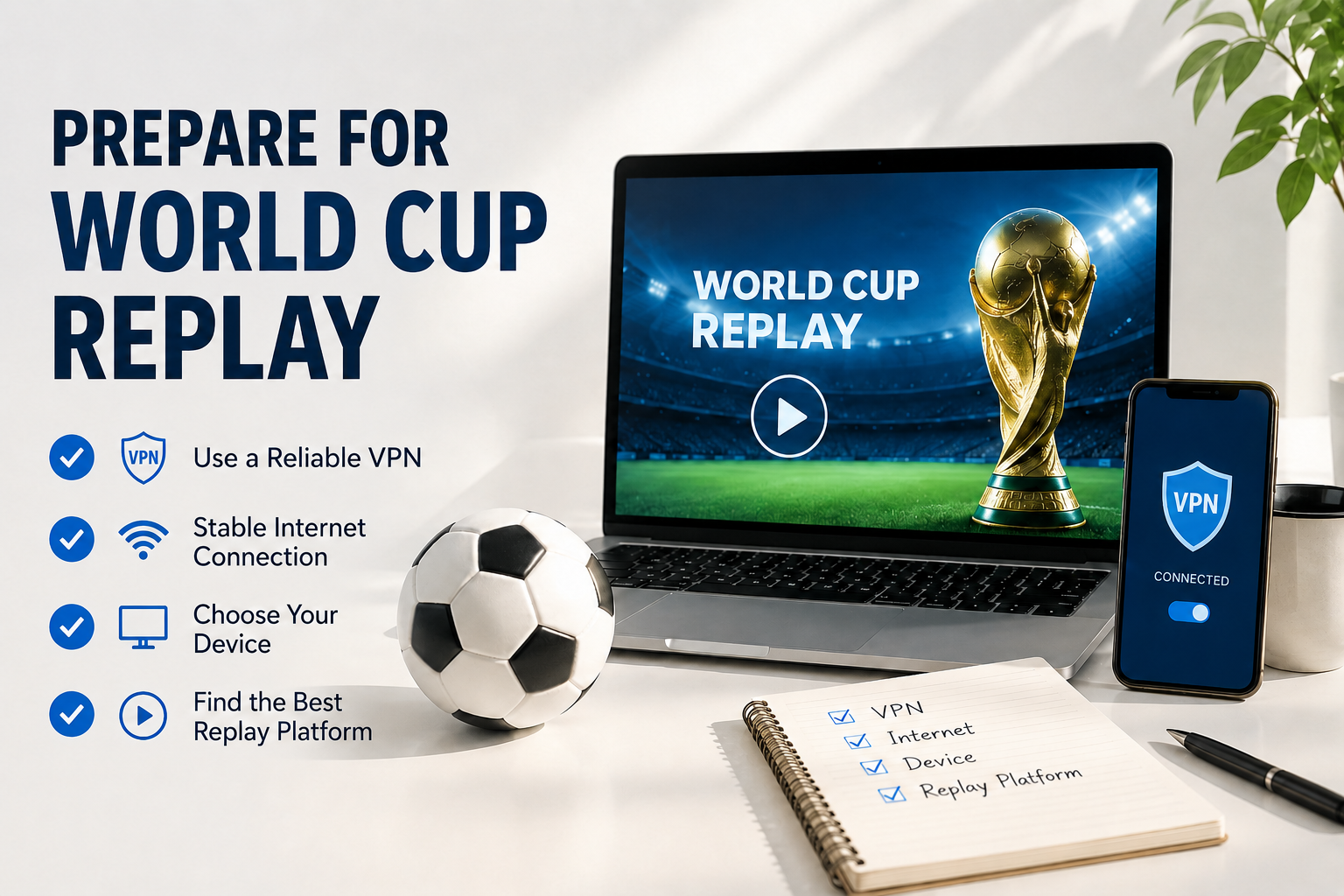
Watching a replay is usually easier than catching a live match, but a few simple preparations can save you from playback errors, regional restrictions, or poor video quality.
1. Activate a Reliable VPN
Some replay platforms only allow viewers from specific countries because of broadcasting rights. A VPN lets you change your virtual location so you can access the replay library available in another region.
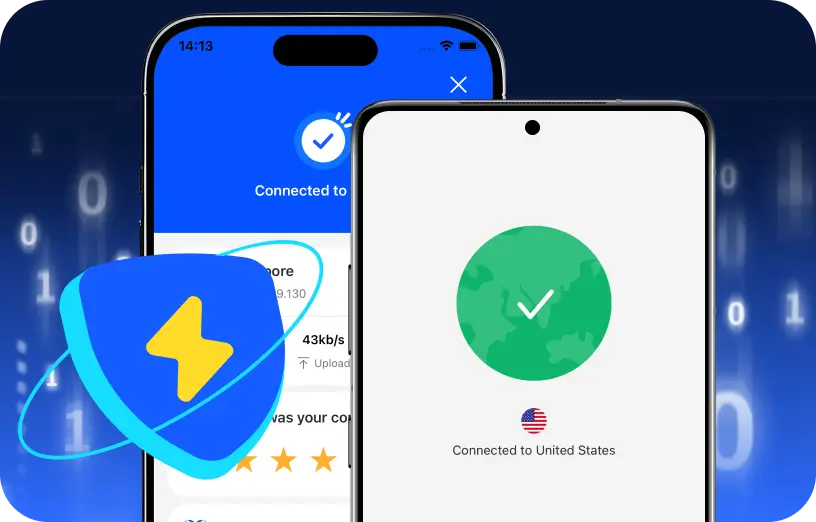
If your preferred platform isn't available where you live, simply connect to a supported server before opening the website or app. VIF VPN is a practical choice because it offers servers in multiple football-friendly regions, fast streaming speeds, and one-click connections that make switching locations simple.
Here's how you can use this efficient tool:
Download VIF VPN for Your Device
Visit the official VIF VPN website and download this free VPN app for your device. The download is completely free and doesn’t require any payment details.
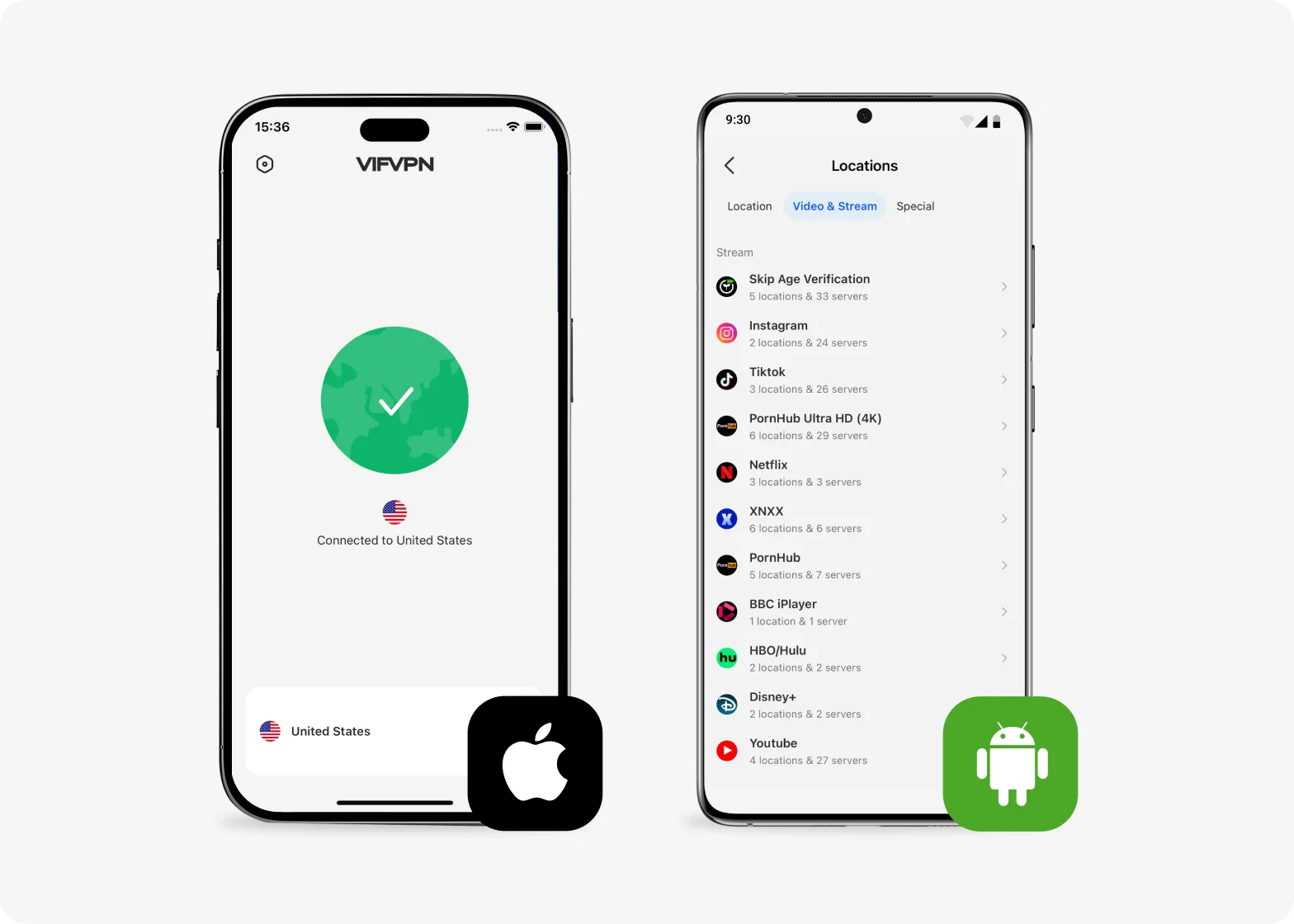
Install and Open the App
Follow the on-screen instructions to install VIF VPN. Once installed, open the app — you can start using it right away without entering a credit card or committing to a paid plan.
Connect and Browse Securely
Tap “Connect” to enable the VPN. VIF VPN will automatically select a server, allowing you to browse with improved privacy and access restricted content instantly.
2. Check Whether the Replay Is Available in Your Country
Before searching for a replay, confirm whether the platform is available in your region. If access is restricted, connect to the corresponding VPN server first.
3. Choose Your Device
Decide where you want to watch the replay before you start. Most streaming platforms support PCs, smartphones, tablets, and Smart TVs, but available features and video quality may vary depending on the device. Choosing the right one helps you enjoy a smoother viewing experience.
4. Prepare a Stable Internet Connection
Full FIFA World Cup replays are often available in HD or even 4K. A stable internet connection helps prevent buffering, improves loading speed, and keeps playback smooth from kickoff to the final whistle.
5. Find the Best Replay Platform
Different platforms offer different replay libraries, video quality, and availability. Some provide official full-match replays, while others focus on highlights or community uploads. Comparing a few trusted platforms beforehand can help you find the match you're looking for more quickly.
6. Sign In If Required
Some replay services require a free account before you can start watching. Creating an account in advance saves time and allows you to access the replay immediately when you're ready.
7. Use a Larger Screen for Better Viewing
If possible, watch the replay on a computer monitor or Smart TV instead of a small mobile screen. The larger display makes it easier to follow player movements, tactical changes, and every important moment throughout the match.
10 Best Platforms to Watch the 2026 FIFA World Cup Replay
Even after the tournament ends, many platforms continue offering match replays for days or months. Below are some of the best places to look.
1. FIFA+

FIFA+ is the official platform for FIFA content. Besides tournament highlights, it sometimes releases full World Cup matches, classic replays, documentaries, and exclusive football programs after major competitions.
Pros
- Official FIFA source
- Safe to use
- High-quality streaming
- Includes classic matches
- Free account available
Cons
- Not every match is available
- Some content is region-locked
2. YouTube
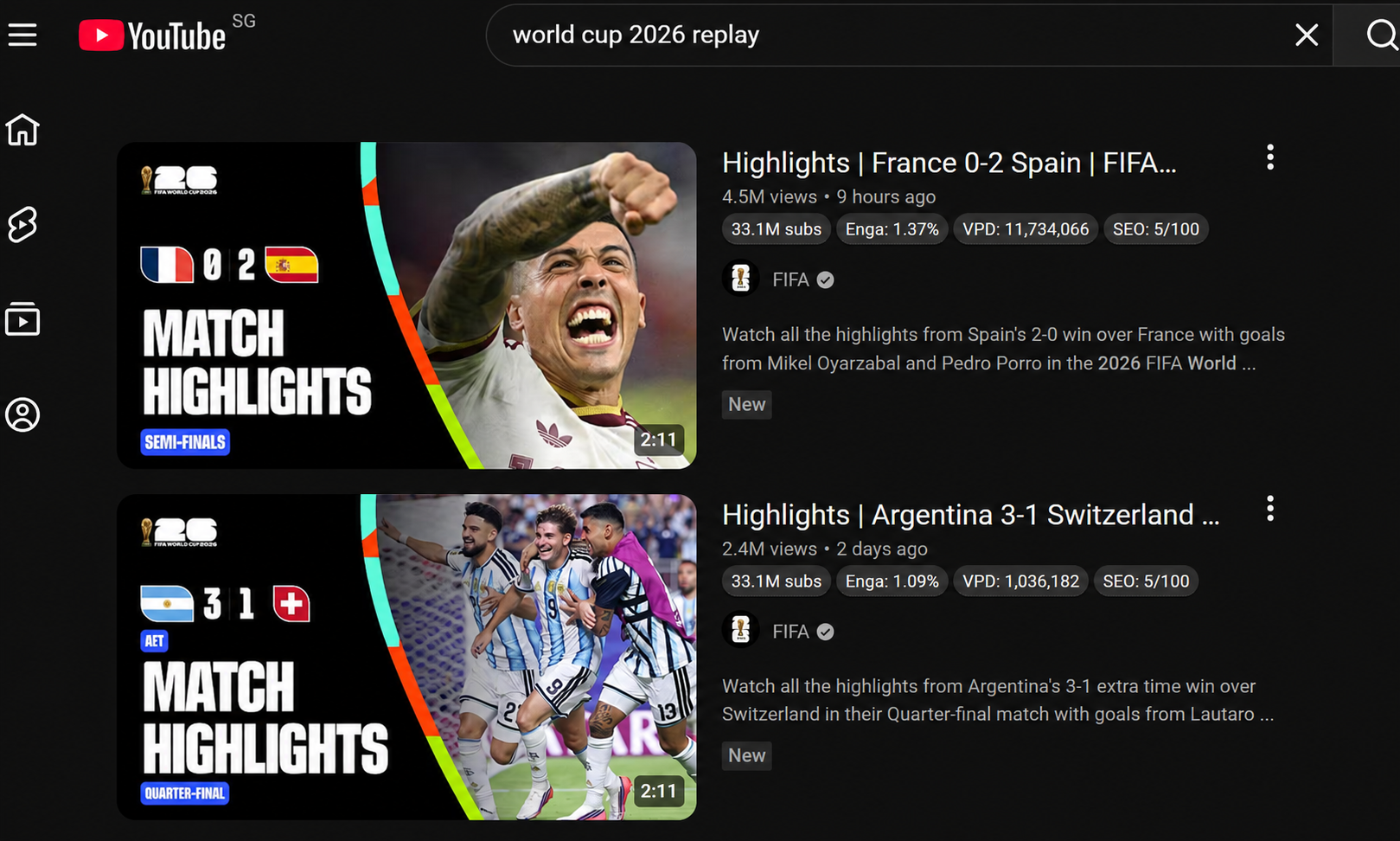
YouTube offers one of the largest collections of football videos. Official broadcasters, sports channels, and FIFA partners frequently upload replays, highlights, and post-match analysis shortly after games end.
Pros
- Completely free
- Easy to search
- Available on almost every device
Cons
- Full matches can disappear
- Video quality varies
- Many unofficial uploads
3. Tubi

Although mainly known for movies and TV shows, Tubi occasionally streams sports content through licensing partnerships. It's worth checking if replay rights become available in your region.
Pros
- Free streaming
- No subscription required
- Smart TV compatible
- Simple interface
Cons
- Sports content is limited
- US only
4. BBC iPlayer
BBC iPlayer is a reliable option for UK viewers. During the World Cup, it often provides match replays, football analysis, and additional tournament coverage in one place.
Pros
- Official broadcaster
- HD quality
- Covers multiple devices
- Free for UK users
- Includes football programs
Cons
- Requires a UK account
- Region restricted
5. SBS On Demand

SBS On Demand regularly covers major football tournaments in Australia. Selected replays usually remain available after live broadcasts, making it convenient if you miss kickoff.
Pros
- Free
- Official coverage
Cons
- Australia only
- Limited replay window
- Registration may be needed
6. RTVE Play

Spanish viewers can often find World Cup replays on RTVE Play. The platform also offers football news, interviews, and tournament-related programming throughout the competition.
Pros
- Official platform
- Good streaming quality
- Free access
Cons
- Mostly for Spain
- Spanish interface
7. RaiPlay

RaiPlay provides football coverage for viewers in Italy, including selected replay matches and related sports content after major international events.
Pros
- Official source
- Reliable playback
- Mobile support
- Free account
Cons
- Italy only
- Italian interface
- Replay availability depends on broadcasting rights
- Some matches are removed after a limited period
8. TF1+

TF1+ is a popular French streaming platform that occasionally keeps World Cup replays available alongside sports news and expert commentary.
Pros
- Free registration
- Official broadcaster
- Smooth streaming
Cons
- France only
- Replay availability changes
9. Reddit Communities
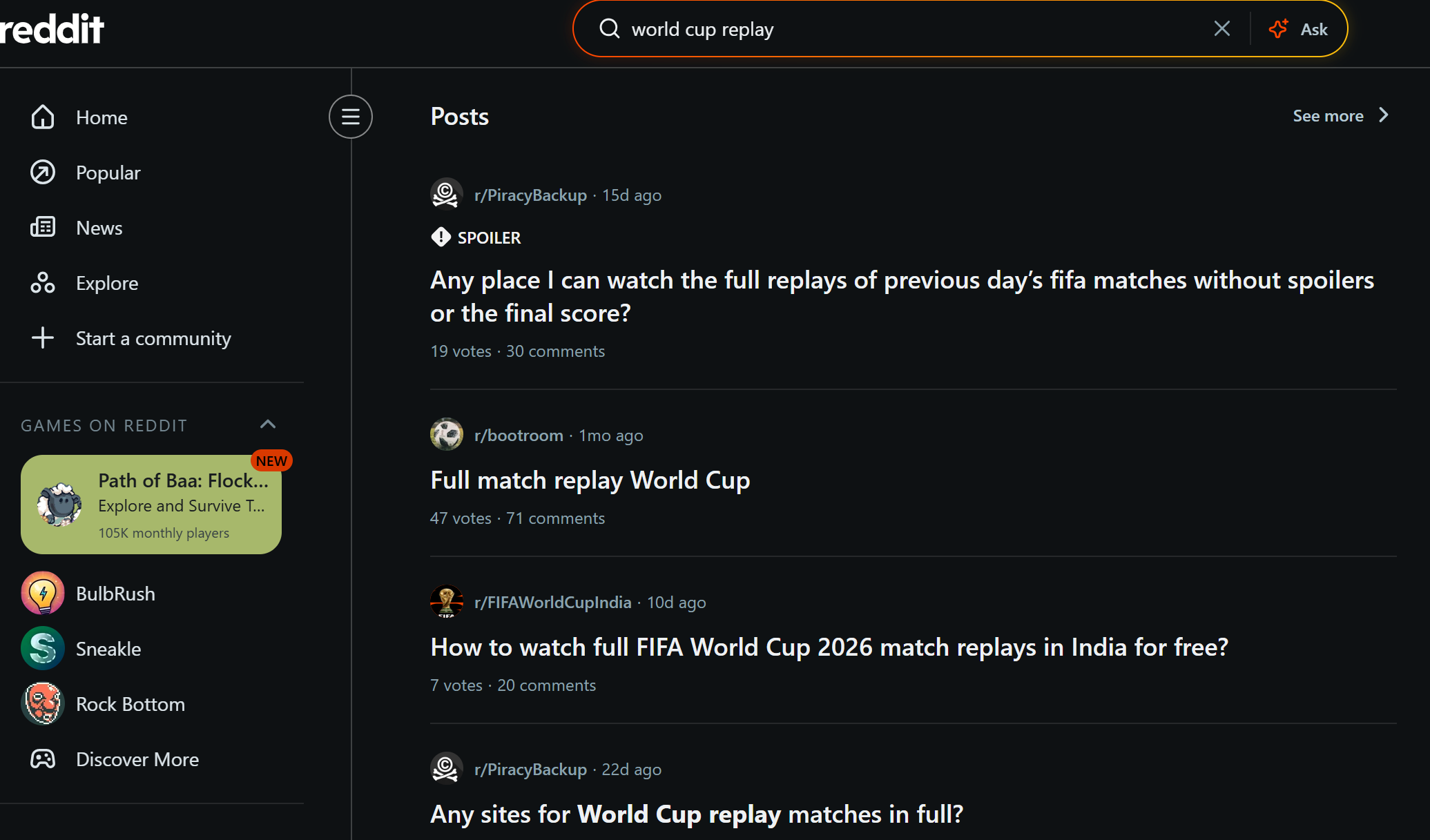
If you can't find a replay elsewhere, Reddit can point you toward working sources. Football fans frequently share updated replay links and discuss which websites still work.
Pros
- Updated by the community
- Multiple recommendations
- Helpful discussions
- Fast information
Cons
- Doesn't host videos directly
- External links may be unreliable
- Some posts are removed
10. Football Replay Websites
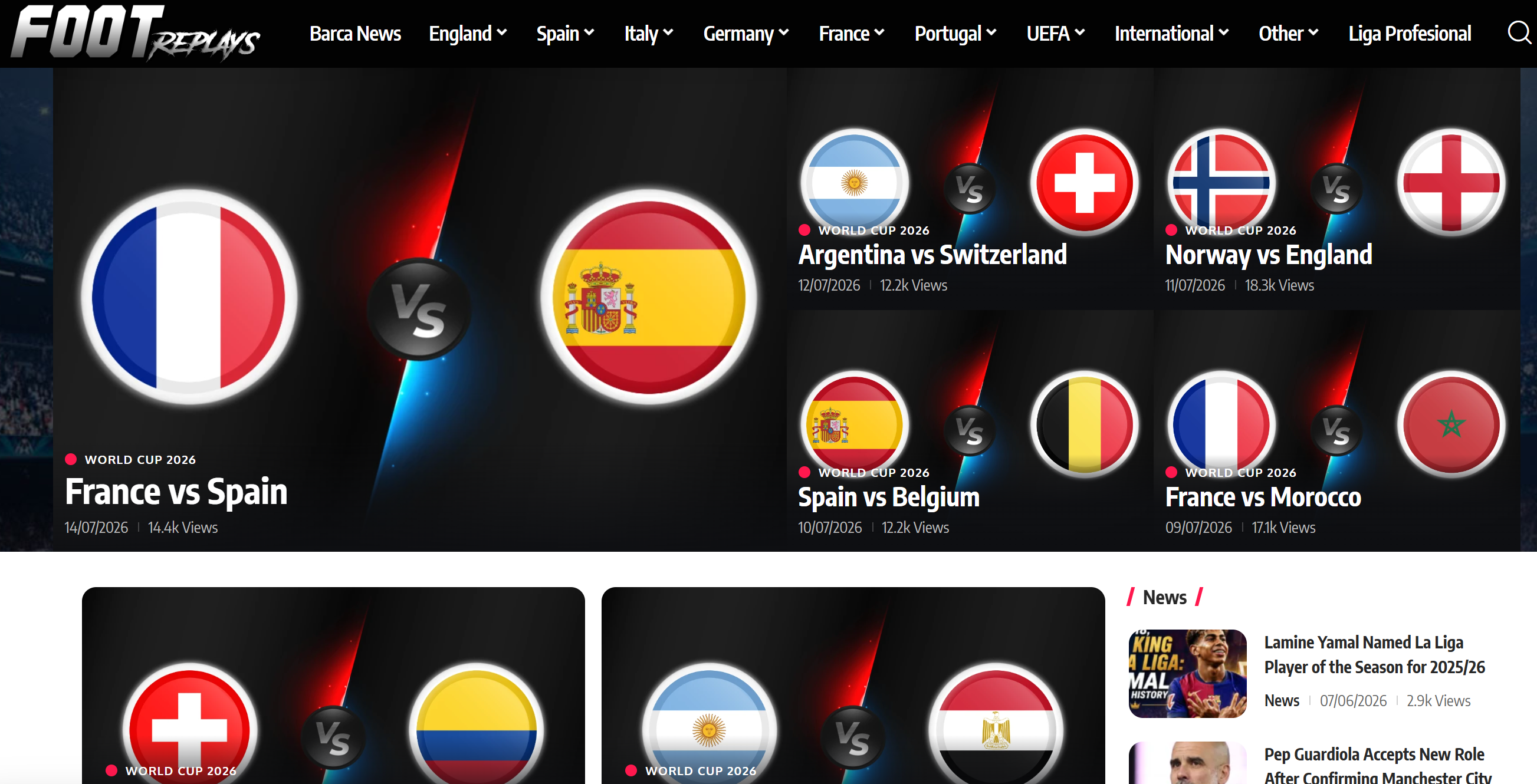
Dedicated replay websites upload full football matches from different leagues and tournaments, often only hours after the final whistle. They usually offer several playback mirrors.
Pros
- Extensive replay library
- Fast uploads
- Free access
- Multiple streaming links
- Covers many competitions
Cons
- Pop-up ads
- Quality isn't always consistent
- Some sites become unavailable quickly


How to Watch the 2026 FIFA World Cup Replay on Different Devices
Whether you're relaxing at home or catching up during your commute, you can replay World Cup matches on almost any device. The exact process depends on the platform you choose, but these simple guides will help you get started.
✅ Watch the FIFA World Cup Replay on a PC

A PC offers the most flexible viewing experience. You can easily switch between platforms, use browser extensions if needed, and enjoy full-screen playback on a larger display.
Step 1. Open your preferred browser and visit the replay website.
Step 2. Connect to a VPN if the platform isn't available in your country.
Step 3. Search for the match or browse the replay library.
Step 4. Select your preferred video quality and start watching.
✅ Watch the FIFA World Cup Replay on Your Phone

Watching on your phone is perfect when you're traveling or don't want to miss a match while away from home. Most replay services provide dedicated apps or responsive mobile websites.
Step 1. Download the streaming app or open the official website.
Step 2. Sign in if the platform requires an account.
Step 3. Connect to a VPN if you encounter regional restrictions.
Step 4. Choose the replay and begin streaming.
Step 5. Rotate your phone to landscape mode for a better viewing experience.
Step 6. Use Wi-Fi whenever possible to reduce buffering and save mobile data.
✅ Watch the FIFA World Cup Replay on a Smart TV

If you want the most immersive experience, a Smart TV is hard to beat. With a larger screen and better sound, it's ideal for watching full matches with family or friends.
Step 1. Install the streaming app from your TV's app store.
Step 2. Make sure your TV is connected to the internet.
Step 3. If necessary, connect through a VPN-enabled router or compatible VPN app.
Step 4. Log into your streaming account and play the replay.
Step 5. Enable the highest available resolution, such as Full HD or 4K, for the best picture quality.
Full Match Replay vs. Highlights: Which One Should You Watch?
Many football fans aren't sure whether watching highlights is enough or if they should replay the entire match.
| Feature | Full Match Replay | Highlights |
|---|---|---|
| Match Length | 90–120 minutes | 3–20 minutes |
| Every Play Included | ✅ | ❌ |
| Goals | ✅ | ✅ |
| Tactical Build-up | ✅ | ❌ |
| Saves Time | ❌ | ✅ |
| Best For | Fans, analysts, missed matches | Quick catch-up |
If you missed an exciting knockout game, the full replay is usually worth watching. If you only want the key goals and major chances, highlights are the faster option.
Bonus Tips to Improve Your FIFA World Cup Replay Experience
A few simple habits can make your replay sessions more enjoyable.
👍 What you should do
- Watch in HD or 4K whenever available.
- Use headphones for better stadium atmosphere.
- Turn on subtitles if commentary isn't in your language.
- Bookmark reliable replay websites.
- Connect to the nearest VPN server for smoother streaming.
👎 What you should never do
- Click random pop-up advertisements.
- Download videos from unknown websites.
- Share your streaming accounts publicly.
- Ignore buffering caused by overloaded VPN servers.
- Leave dozens of browser tabs open while streaming.
Final Words
The World Cup is too memorable to experience only once. Whether you're catching up after work, revisiting a dramatic final, or analyzing your favorite team's tactics, replay platforms make it easy to enjoy the tournament on your own schedule. Choosing trusted streaming sources, maintaining a stable connection, and using a reliable VPN like VIF VPN when needed will help you enjoy every match with fewer interruptions.
FAQs
Can you watch FIFA World Cup replays for free?
Yes. Some official broadcasters and platforms offer free replays, while others require a subscription or free account. Availability depends on your country and broadcasting rights.
How long do FIFA World Cup replays stay available?
It varies by platform. Some services keep replays for only a few days, while others archive matches for months or even years.
Can I download FIFA World Cup replays?
Some official streaming platforms allow offline downloads through their apps. However, downloading videos from unofficial replay websites may expose you to malware, copyright issues, or poor-quality files, so it's best to use trusted sources.
Why can't I find a replay of a specific World Cup match?
Replay availability depends on licensing agreements. Some broadcasters remove matches after a certain period or only offer them in selected countries.
Can I watch FIFA World Cup replays in 4K?
Yes, but only if the streaming platform provides 4K playback and your device and internet connection support it. Many official broadcasters offer HD by default, while selected services also provide Ultra HD for supported matches.